Drop in the photos, and AI lists every salvageable part in moments.
How does it work?
1
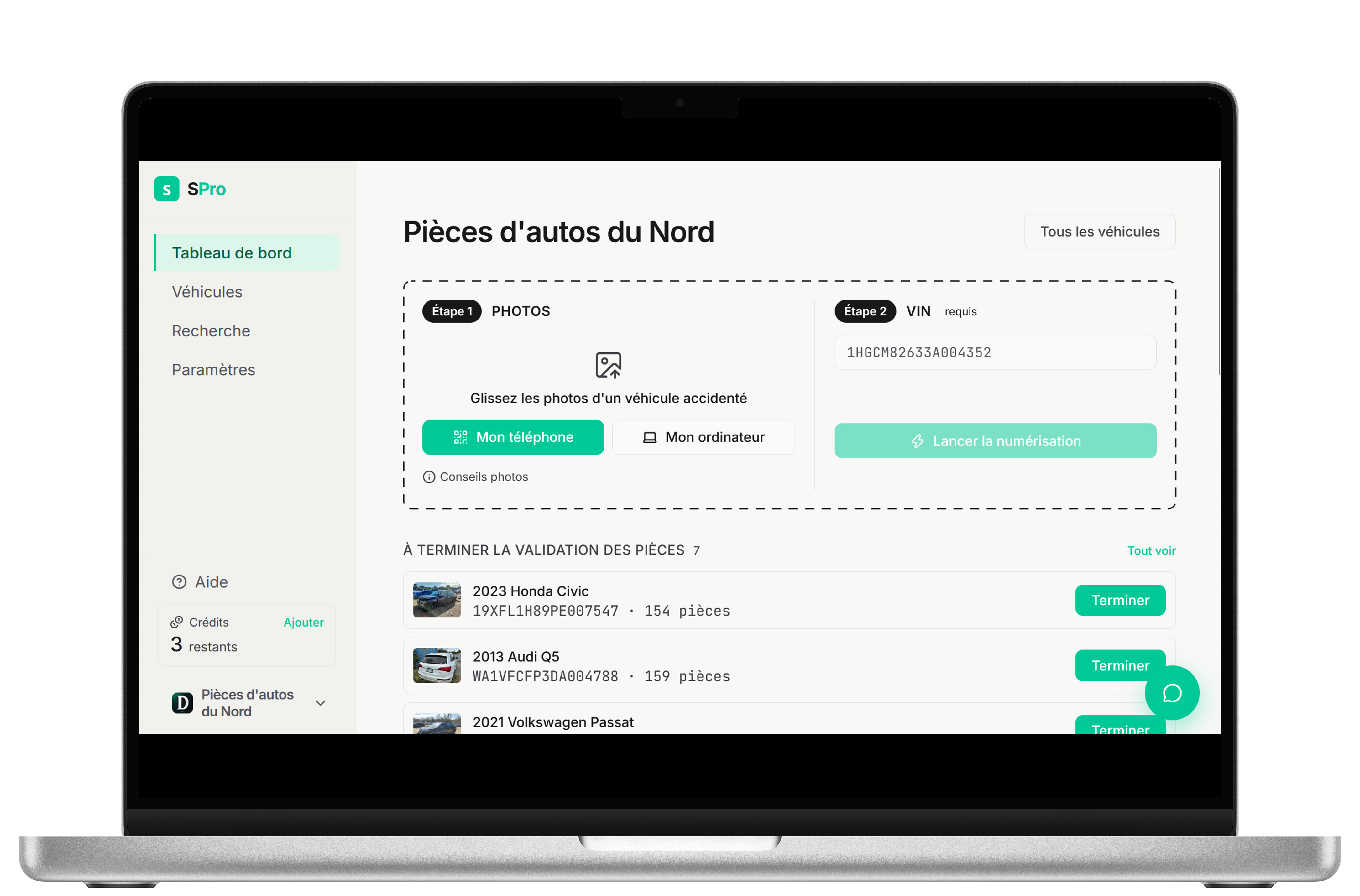
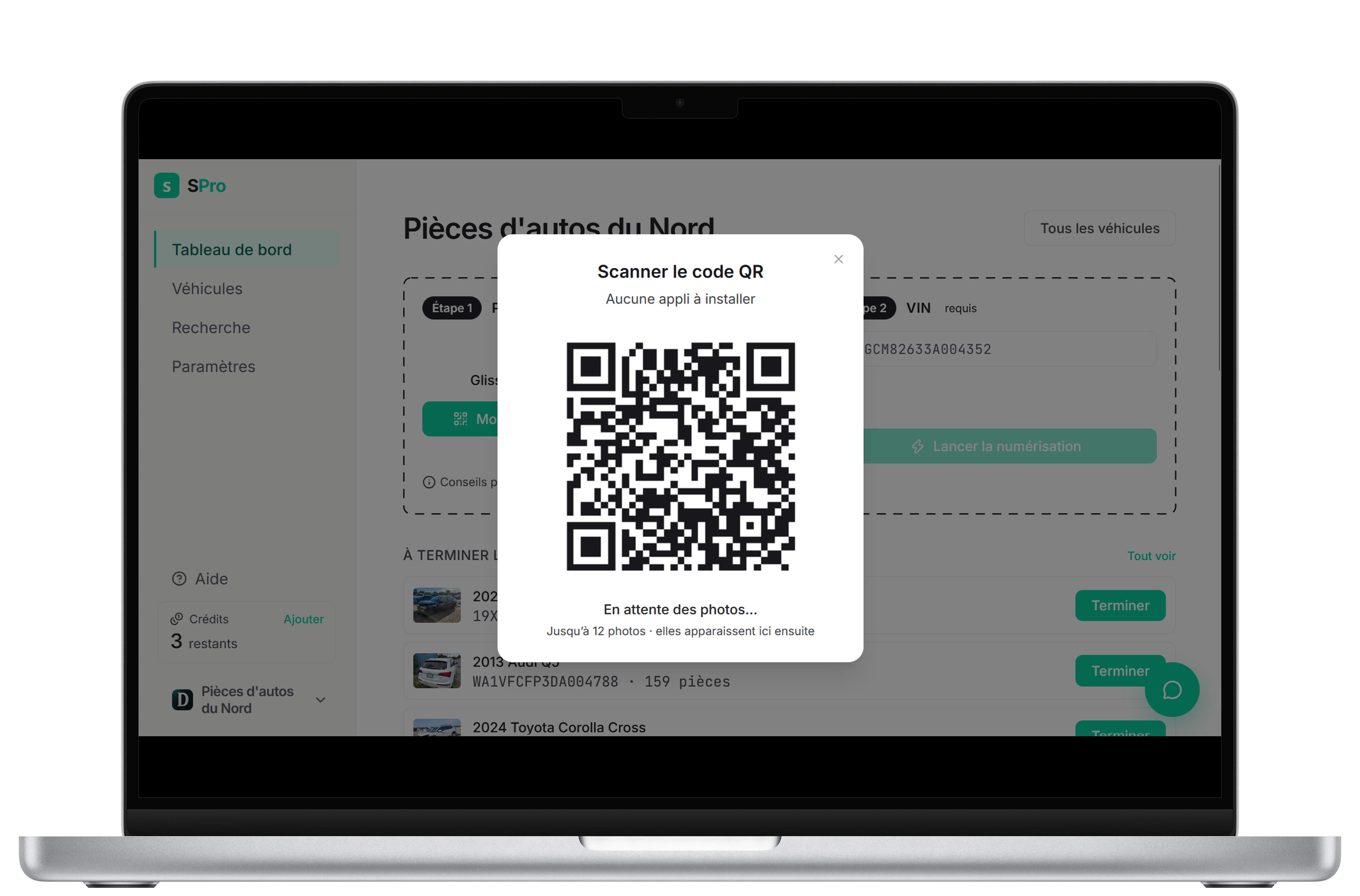
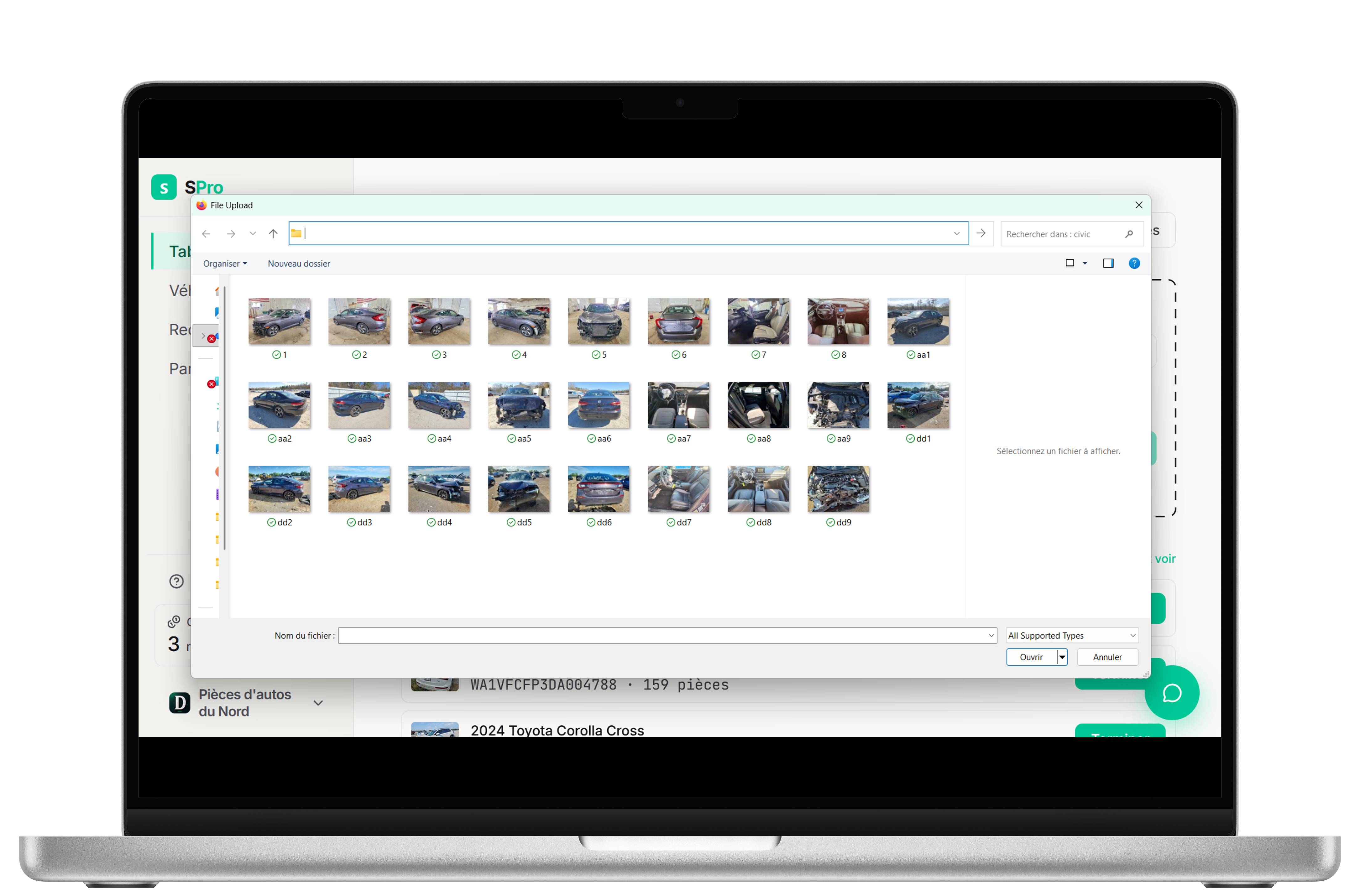
Choose the scan type, then drop your photos and the VIN
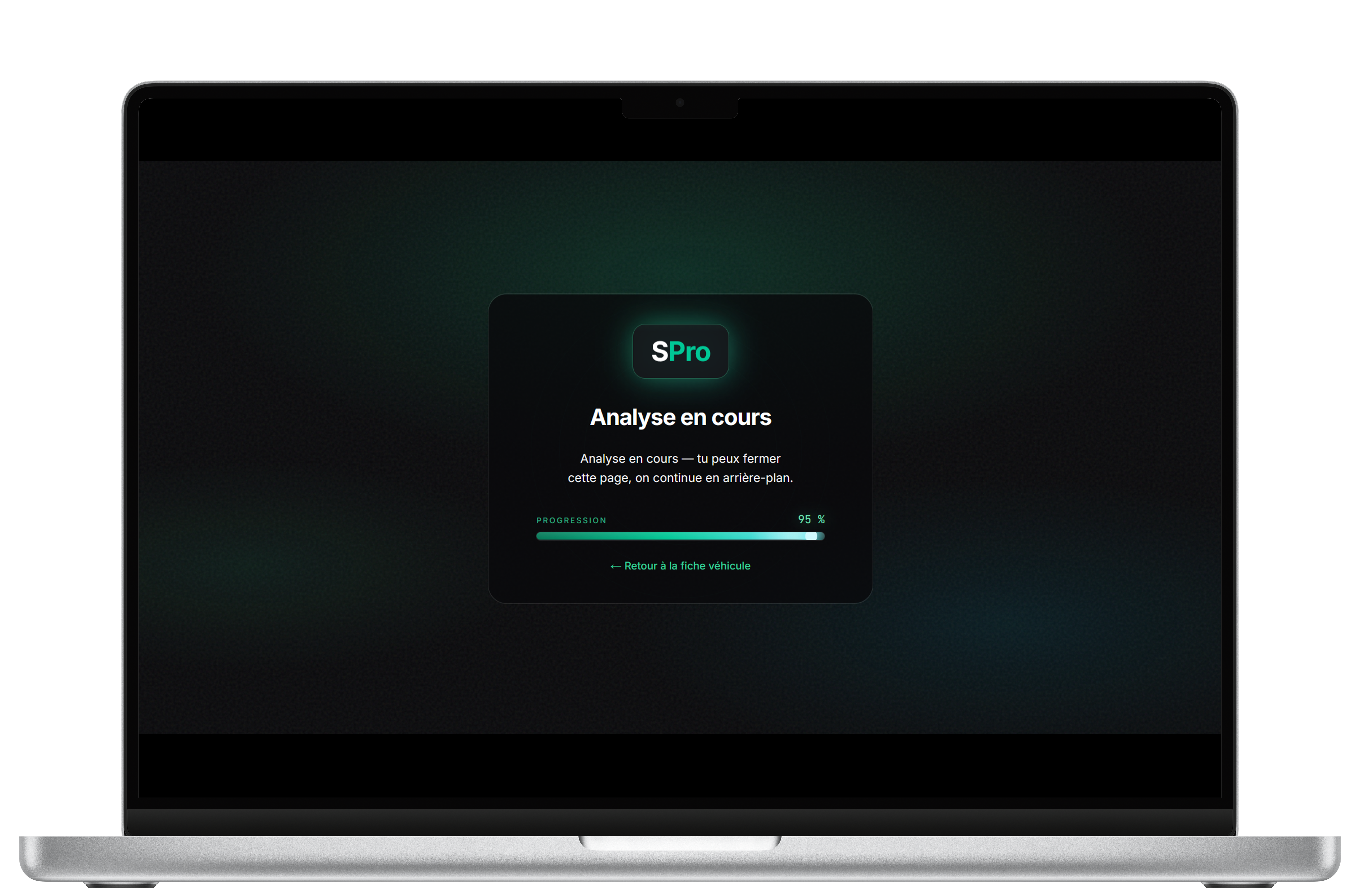
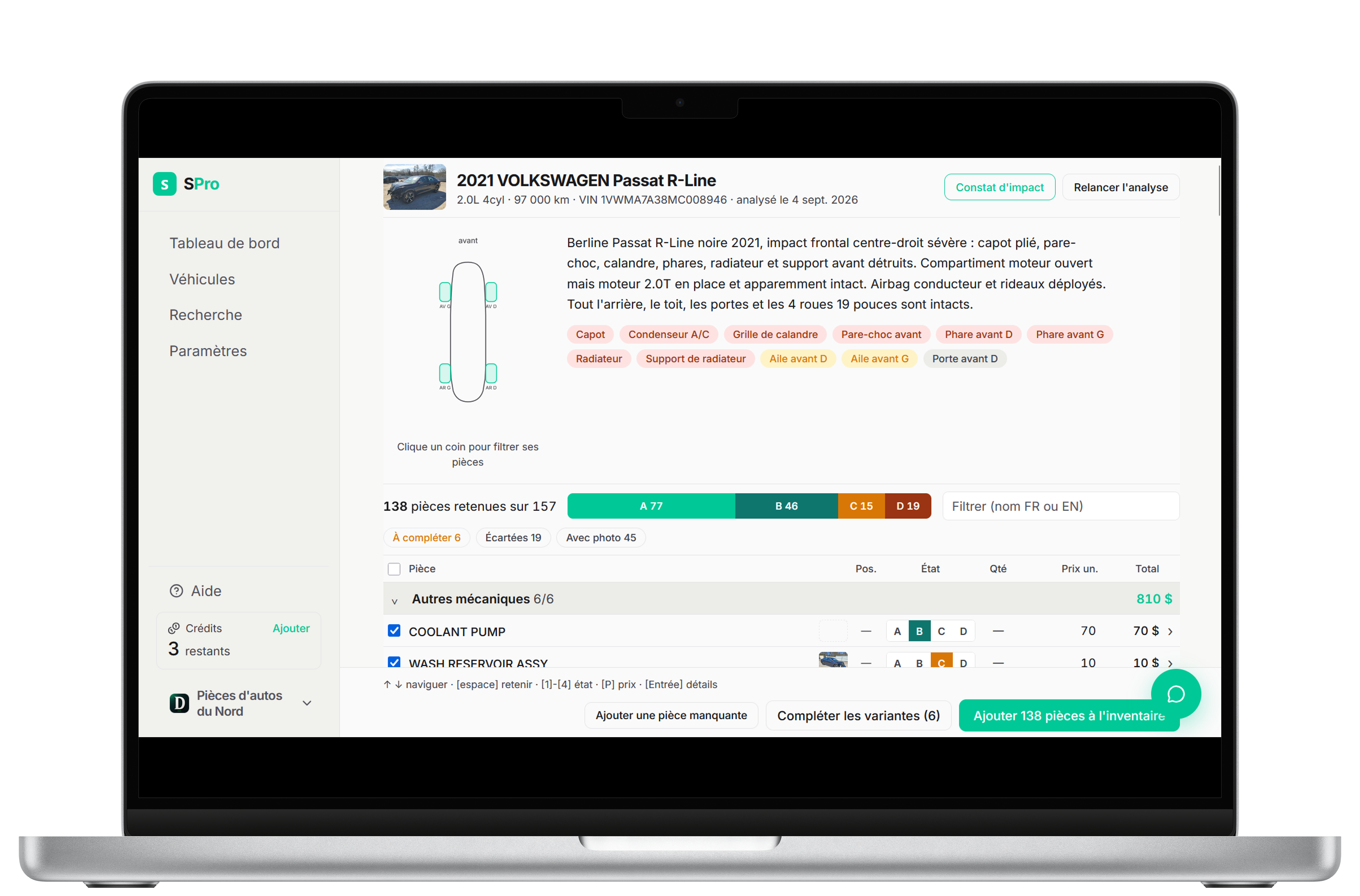
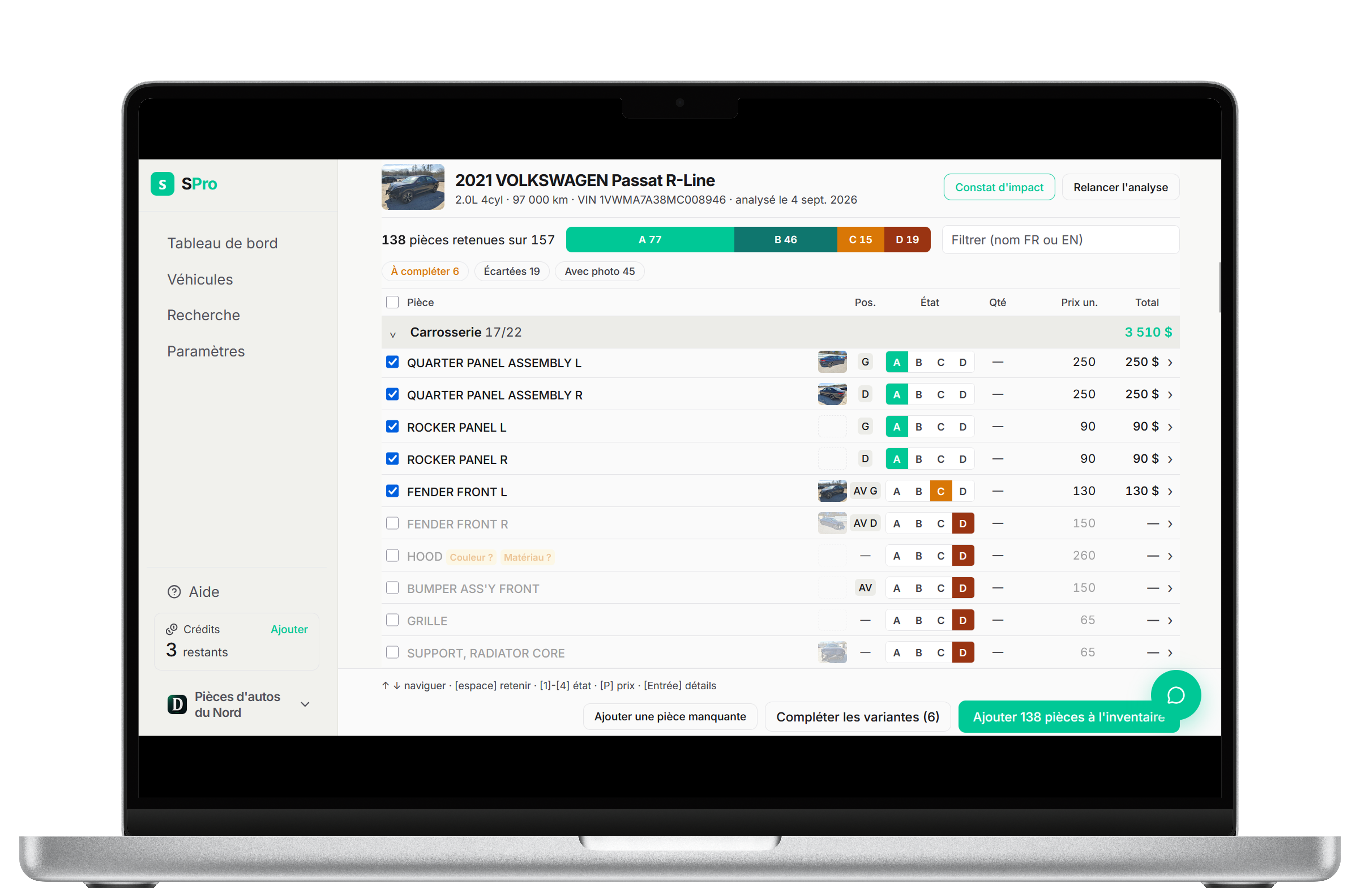
Drag in vehicle photos from your phone or computer and enter the VIN. SPro builds the list of salvageable parts with suggested prices, condition, description, and interchange1. Analysis takes about a minute and a half2 on average — and you can run several at once.
2
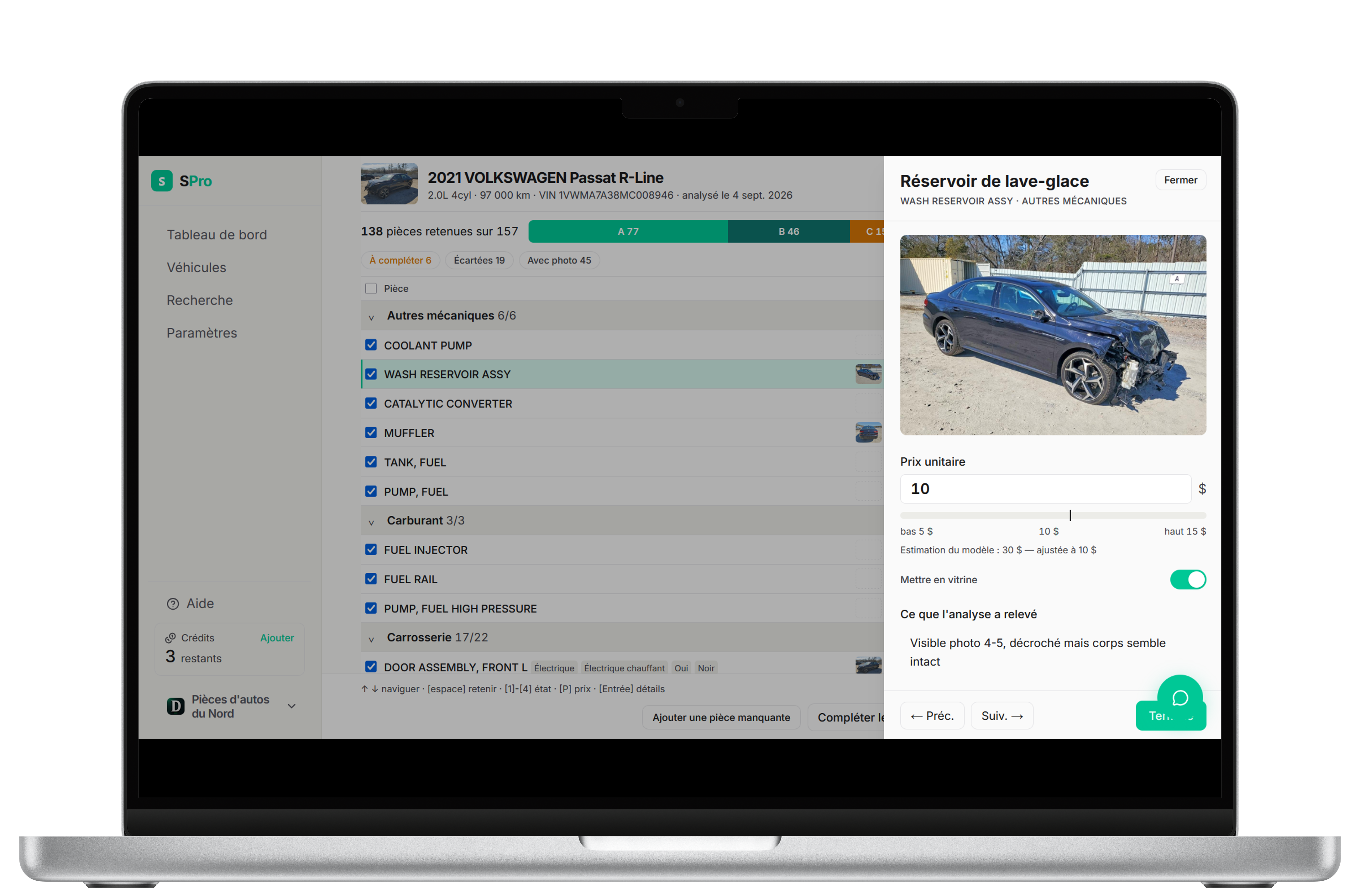
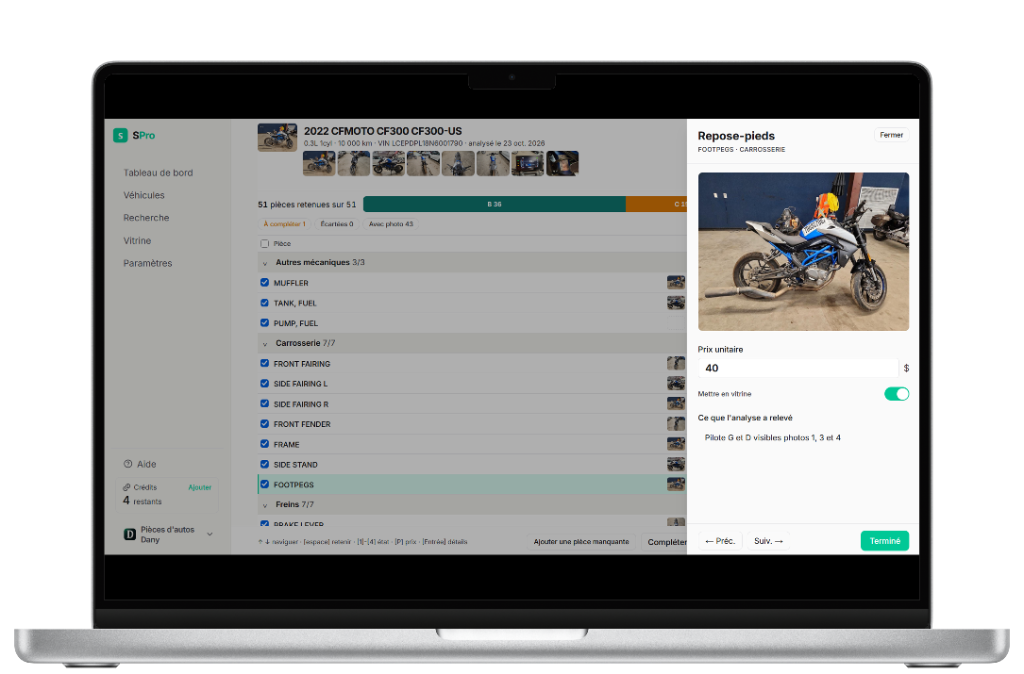
Confirm the parts and variants
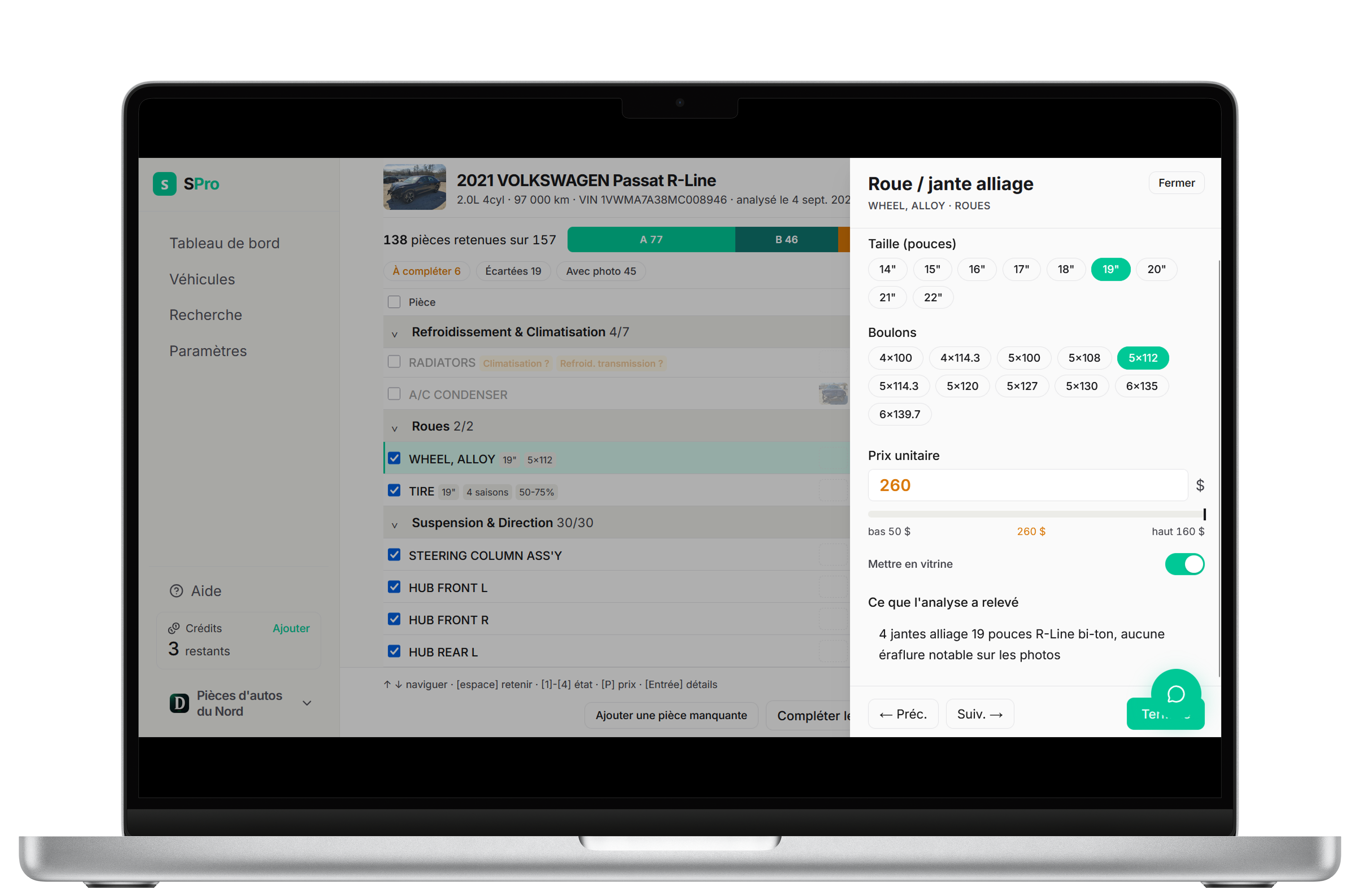
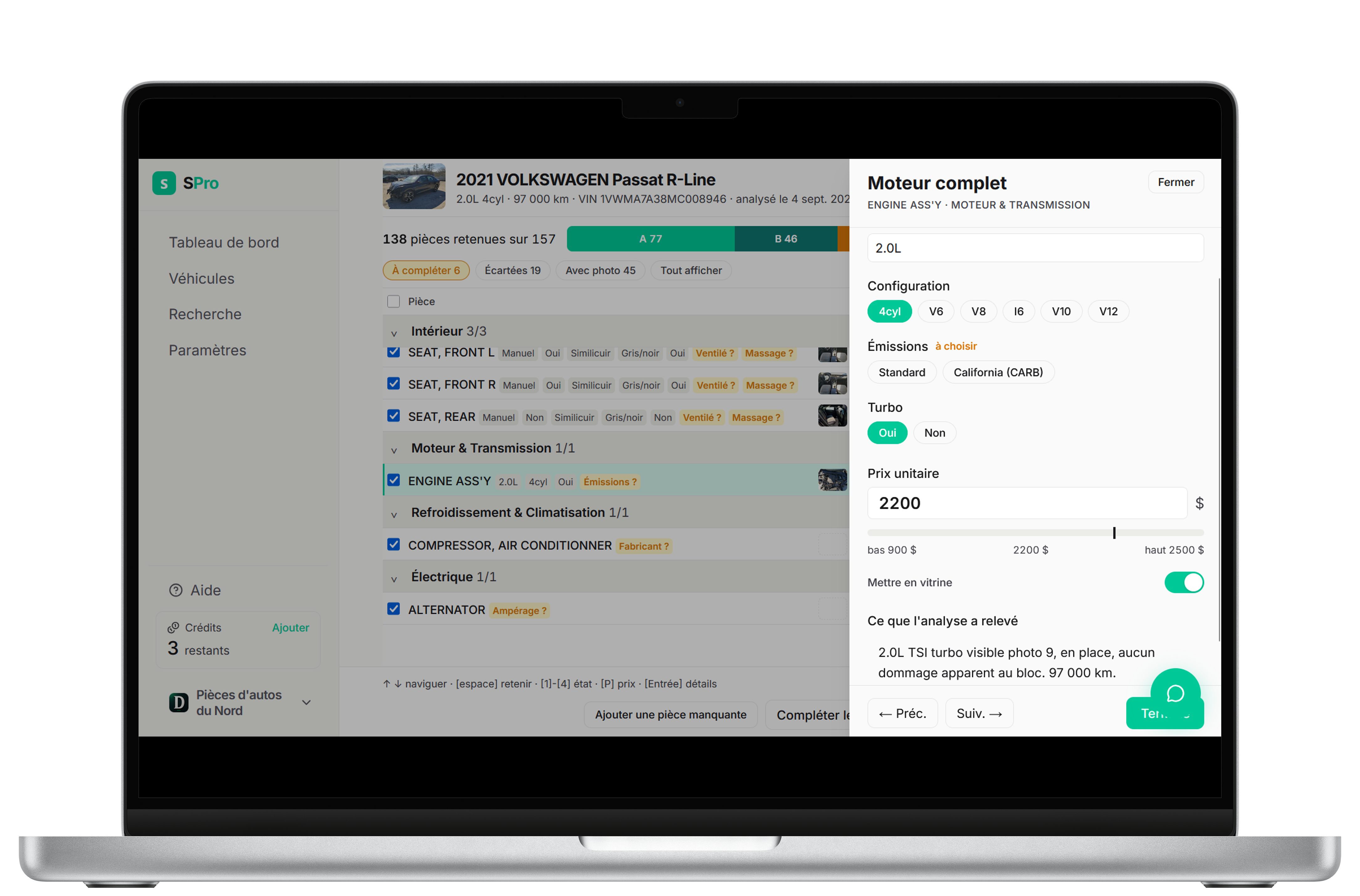
The model fills in the details with precision3. A few variants may still need a tweak. Review the parts and confirm to start syncing your used-parts inventory.
Note: the model itself filled in everything you see in the screenshots.
3
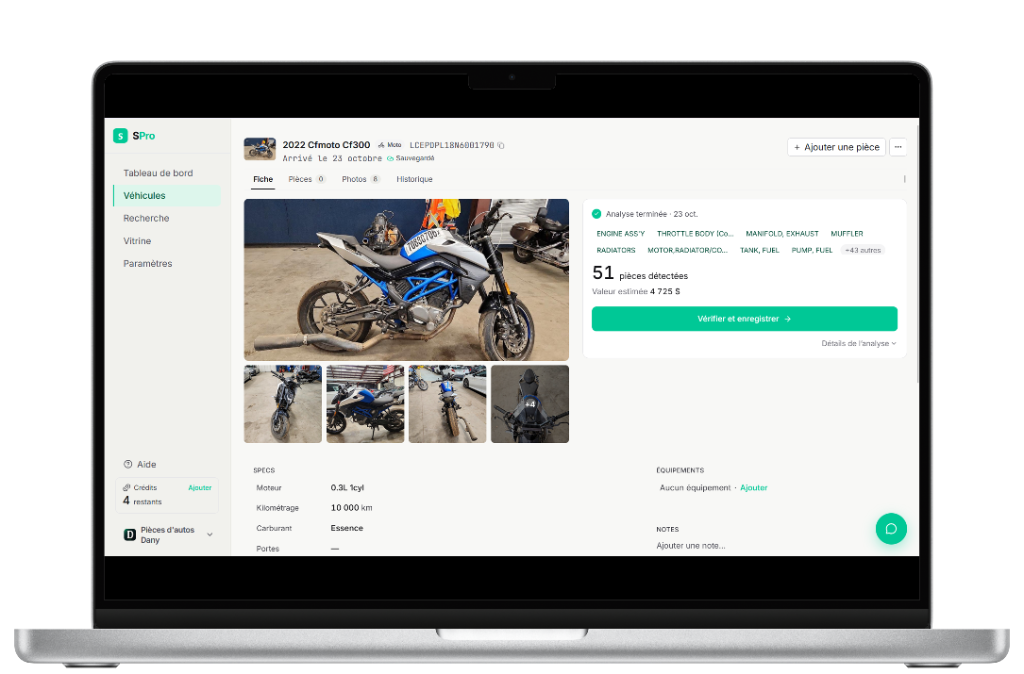
Cars, motorcycles, ATVs, and snowmobiles
It works with cars and pickups, motorcycles, ATVs and side-by-sides, and snowmobiles.
- 1.SPro uses its own internal interchange catalog.
- 2.Analysis time depends on several factors and can vary. 95% of our analyses complete in under 2 minutes. You can also run several analyses in parallel and do something else while you wait.
- 3.Our model can make mistakes. It keeps improving, but you should validate the parts before syncing them to your inventory.